

Curious about what powers your favorite websites or how top online competitors are built behind the scenes It is possible to peek under the hood and uncover the tools and tricks that shape WordPress sites as well as other platforms With just a quick search or click you can learn about themes plugins hosts and even secret strategies used by popular brands This opens up possibilities for web creators digital marketers and anyone who wants to understand the choices driving online success Each product offers its own way to reveal those details and each one helps you see websites in a whole new light
Table of Contents
- WPOptic
- WordPress Theme Detector
- What WordPress Theme Is That?
- scan wp
- BuiltWith
- isitwp
- Satori Studio
- OctoLooks Automatic WordPress Scraper And Content Crawler Plugin
WPOptic
At a Glance
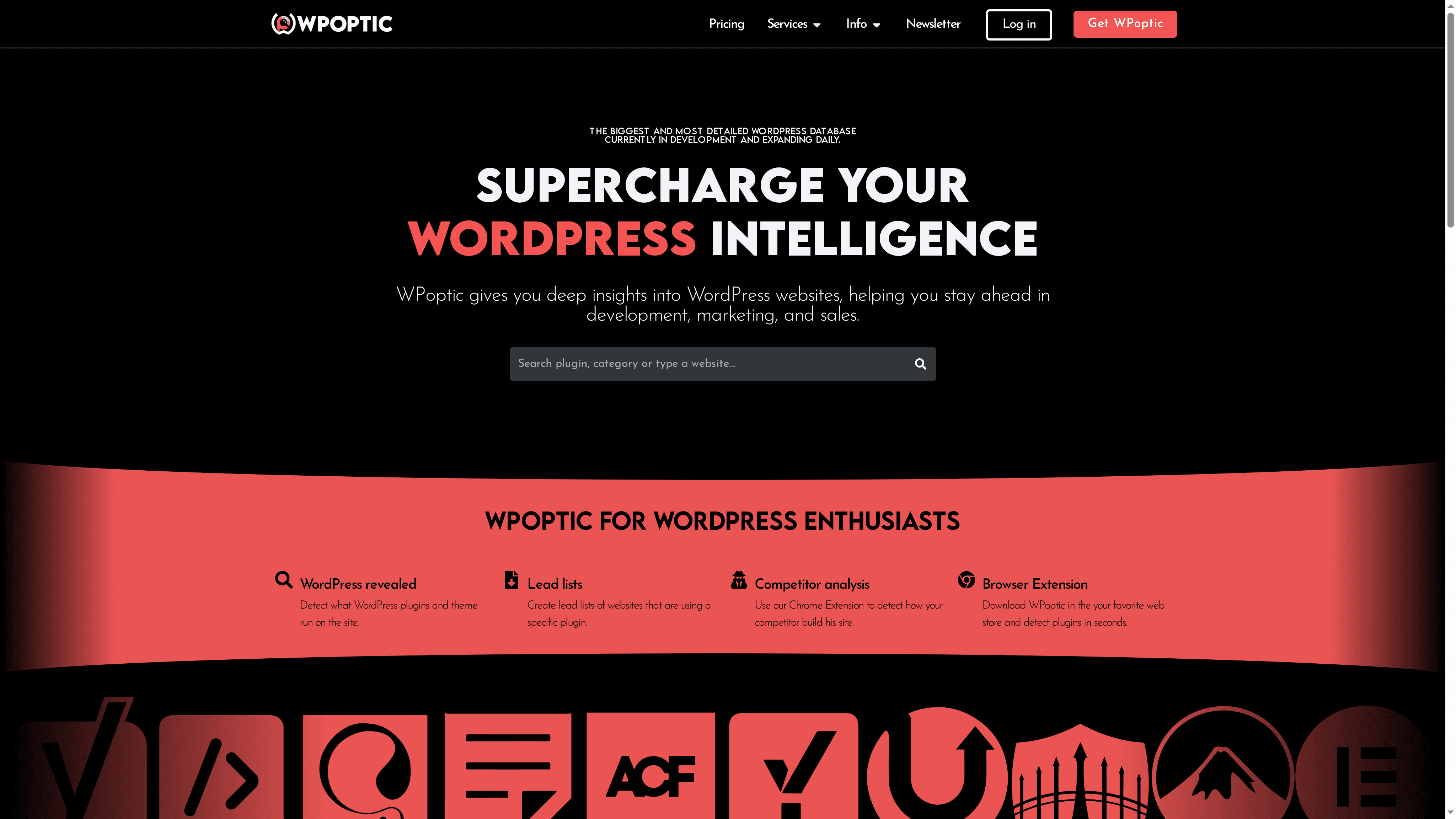
WPOptic is a focused intelligence platform that detects and identifies the themes and plugins used across WordPress sites, delivering actionable technical data for developers, marketers, and security teams. It combines a large plugin database with quick browser-based analysis, making it practical for audits, outreach, and competitive research. If you need fast, reliable plugin detection and lead-list creation tied to real website signals, WPOptic is built for that purpose.
Core Features
WPOptic detects WordPress plugins and themes used on websites and maps each site’s configuration to a comprehensive WordPress plugin database. It can create lead lists of websites running specific plugins, perform competitor analysis through a Chrome extension and other browser tools, and generate detailed reports that include website and plugin information. The platform’s emphasis is on accurate plugin detection, exportable data (subject to plan limits), and an expanding dataset of plugins and themes for large-scale analysis.
Pros
- Fast and accurate plugin detection: WPOptic prioritizes detection speed and precision so you get reliable insights quickly during audits or outreach calls.
- Large and expanding plugin database: The database grows continuously, improving coverage for uncommon plugins and niche themes over time.
- Useful for lead generation and competitor analysis: You can build targeted lead lists based on exact plugin usage, which tightens outreach and improves conversion rates.
- Browser extension for quick website insights: A Chrome extension and browser tools deliver instant on-page analysis without switching contexts.
- Flexible subscription plans for different needs: Multiple subscription tiers support single checks, targeted research, or enterprise-scale exports depending on your workflow.
Who It’s For
WPOptic is aimed squarely at WordPress developers, digital marketers, SEO specialists, security professionals, and businesses managing multiple WordPress sites. If your role requires understanding what technologies competitors or prospects use, creating plugin-based lead lists, or performing technical audits to inform security and performance decisions, WPOptic fits naturally into your toolkit.
Unique Value Proposition
WPOptic’s unique strength is the combination of depth and speed: a focused plugin-and-theme detection engine backed by a sizable, continually updated database, delivered through immediate browser tools. Rather than a general web scanner, WPOptic is tailored specifically to the WordPress ecosystem, which means detection logic, reporting fields, and lead-generation workflows are built around real WordPress signals. That specialization produces cleaner results and fewer false positives than broad-spectrum scanners. The Chrome extension closes the loop—giving you instant on-site context while the platform supplies bulk data and exportability for campaign and audit planning. For technical audits, marketing segmentation, or competitor intelligence, this vertical focus translates into faster decisions, more relevant leads, and higher-quality data exports, making WPOptic superior for teams that need WordPress-specific insights rather than general technology stacks.
Real World Use Case
A digital marketing agency uses WPOptic to identify the plugins on competitor websites, prioritize targets for outreach based on plugin stacks they can support or improve, and compile lead lists of sites using outdated or vulnerable plugins. These insights inform both security assessments and tailored marketing pitches.
Pricing
Offers various monthly and quarterly subscription plans ranging from €125 to €2397, with options for flexible credits and cancellations.
Website: https://dev.wpoptic.com/
WordPress Theme Detector
At a Glance
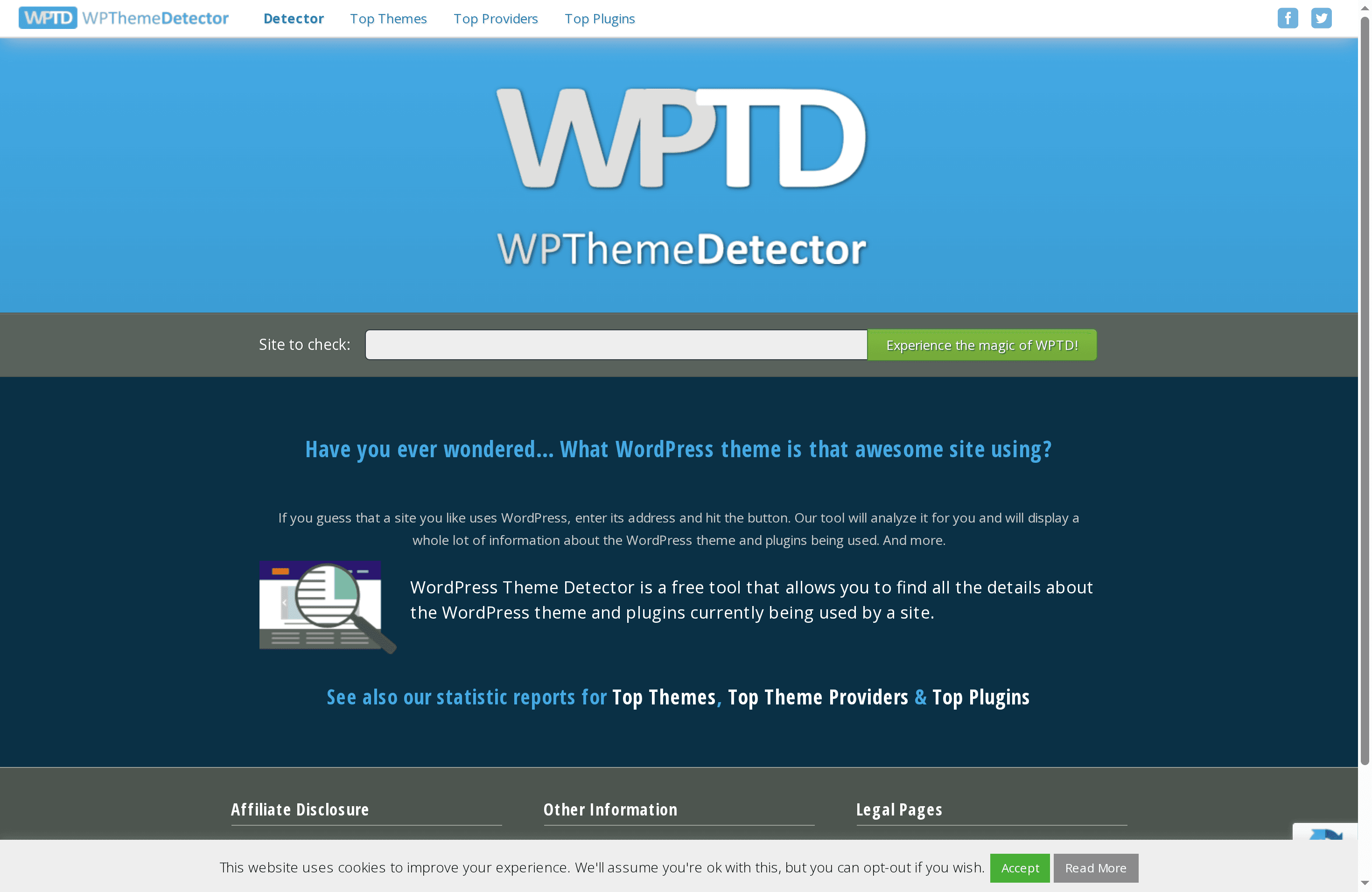
WordPress Theme Detector is a free, URL-based tool that identifies the WordPress theme and plugins used on any accessible website. In seconds it returns theme and plugin names plus summary details and site-level statistics about popular themes and providers. It’s straightforward and useful when you need quick intelligence for design, development, or competitive research. Expect reliable, surface-level detection rather than guaranteed completeness.
Core Features
WordPress Theme Detector analyzes a submitted URL and attempts to identify the active WordPress theme and installed plugins, presenting detailed information about each item it detects. The tool also publishes statistical reports showing top themes, providers, and plugins across scanned sites, which helps you spot market trends. The interface is intentionally simple—enter a URL and review the results—and the service is free to use. Cookies are used on the site to enhance analytics and user experience.
Pros
- Free to use with no paywall: The tool provides detection and trend data at no cost, which makes initial reconnaissance accessible to every practitioner regardless of budget.
- Delivers detailed theme and plugin information: Results include descriptive details that help you understand what technologies a site relies on, saving time during audits or competitor analysis.
- Fast and easy workflow: You only need to enter a URL to get results, which speeds up discovery when auditing multiple sites or building outreach lists.
- Valuable for multiple roles: Web developers, designers, and marketers can all derive practical insights from the output, from replication of layouts to plugin-based feature planning.
- Includes market statistics: Aggregated reports for top themes, providers, and plugins help you gauge popularity and adoption trends without manual aggregation.
Cons
- Relies on site configuration and visibility: The detector depends on how a site is built and exposed; it may not find custom or obfuscated themes and plugins, which limits completeness.
- Dependent on site accessibility and response: If the target site is down, heavily cached, or behind protections, the tool cannot perform accurate analysis and may return incomplete results.
- Uses cookies for analytics: The site’s use of cookies for tracking and analytics may be a privacy concern for some users who prefer tools that operate without persistent client-side storage.
Who It’s For
This tool is ideal for web developers, designers, digital marketers, and website owners who need a quick way to reveal the theme and plugin makeup of other WordPress sites. Use it when planning theme customizations, preparing proposals, conducting competitor research, or building lead lists based on technology footprints.
Unique Value Proposition
WordPress Theme Detector’s core value is immediacy: it converts a single URL into actionable technical insights—theme names, plugin lists, and trend statistics—without cost or a learning curve. That simplicity makes it a practical first step in larger audits and outreach workflows.
Real World Use Case
A designer wants to replicate the look of a popular blog. They input the blog’s URL, identify the active theme and essential plugins, then use that information to source a similar theme and configure matching plugin functionality for their client project.
Pricing
Free
Website: https://wpthemedetector.com
What WordPress Theme Is That?
At a Glance
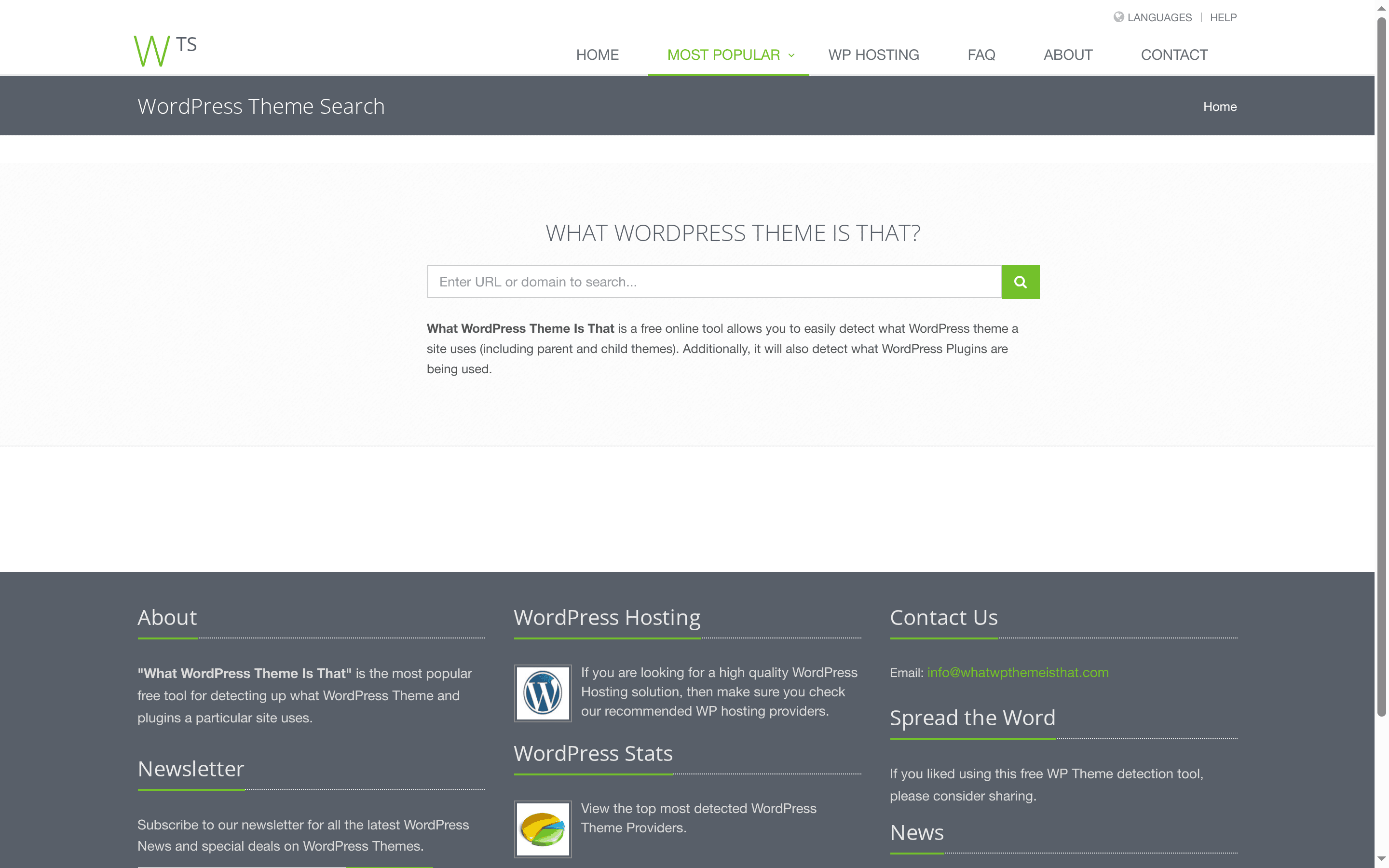
What WordPress Theme Is That? is a straightforward, free web tool that identifies the WordPress theme (including parent and child themes) and the plugins used on a site. It’s fast and easy, delivering immediate insights that help developers, designers, and marketers reverse-engineer a site’s visual and functional stack. If you need a quick read on what a WordPress site is built with, this tool gives you answers without a signup or paywall.
Core Features
The tool focuses on two core detection capabilities: theme detection (parent and child themes) and plugin discovery. Beyond detection, the site provides WordPress news and curated hosting recommendations, giving you context and next-step resources after you identify a site’s setup. The user experience is intentionally minimal: enter a URL and get a report that highlights theme and plugin names so you can move from reconnaissance to action quickly.
Pros
- Free to use: There is no cost barrier, so anyone can inspect a site without creating an account or paying for credits. This lowers friction for quick audits and casual exploration.
- Easy and fast: The interface is simple and returns results quickly, which is ideal when you’re auditing multiple sites or need a rapid second opinion.
- Helpful for developers and designers: It reveals parent and child theme relationships, which is useful for understanding inheritance and customization approaches used on a site.
- Additional resources included: The site also shares WordPress news and hosting recommendations, which can help you follow up with deeper research or migration decisions.
Cons
- Limited to WordPress sites: The tool only works when a site runs WordPress, so it’s ineffective for sites built on other platforms or custom stacks.
- No deep customization or code analysis: It reports theme and plugin names but does not analyze theme customizations, child-theme overrides, or provide code-level insights that auditors or security specialists might need.
- Detection gaps possible: The tool may not identify heavily obfuscated or customized themes and plugins, so results should be treated as a starting point rather than definitive evidence.
Who It’s For
This tool is ideal for web developers, designers, digital marketers, and WordPress enthusiasts who need quick reconnaissance on a site’s theme and plugin choices. It’s also useful for competitive research, content strategists, and anyone scouting potential leads based on technology stacks.
Unique Value Proposition
What WordPress Theme Is That? delivers immediate, no-cost visibility into a WordPress site’s theme and plugin footprint, including parent/child theme relationships—information many other free tools omit. Its low-friction approach makes it practical for fast audits and exploratory research.
Real World Use Case
A web developer preparing a redesign can use the tool to quickly identify a competitor’s theme and plugins, then evaluate whether similar components fit the project scope. From there the developer can research compatible hosting recommendations or track news items linked on the site to stay current.
Pricing
Free
Website: https://whatwpthemeisthat.com
scan wp
At a Glance
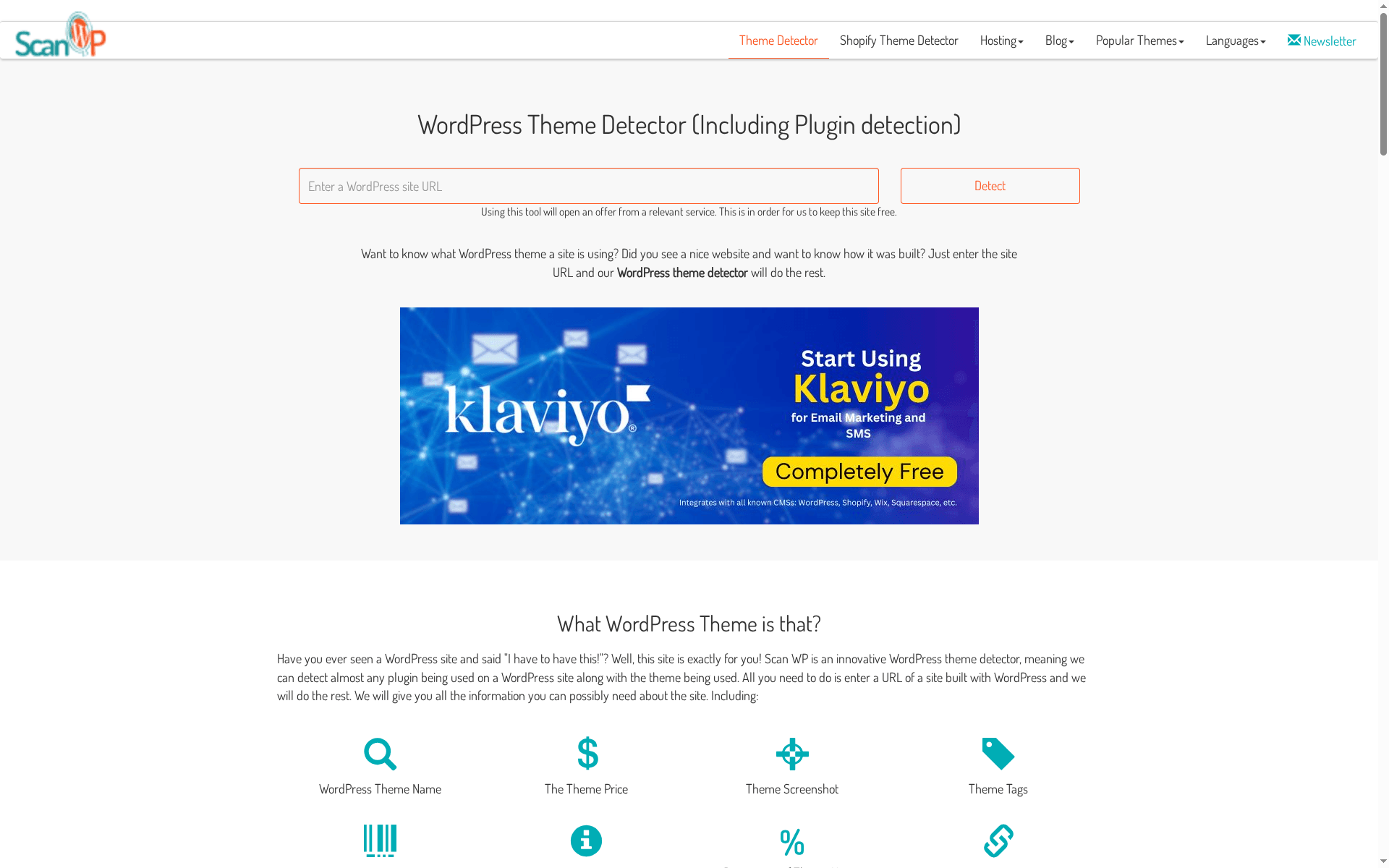
scan wp is a straightforward, no-friction tool for identifying the themes, plugins, and hosting providers behind WordPress sites — it even detects Shopify themes. It’s fully free and delivers a quick breakdown of theme names, plugin lists, version info, vendor links, and usage statistics that help you understand how a site is built. If you want fast reconnaissance without signup or cost, scan wp gets you usable intelligence in seconds.
Core Features
scan wp focuses on detection and discovery: it identifies WordPress themes and plugins, surfaces hosting provider details, and extends detection to Shopify themes. For each detected item it can show price, screenshots, tags, vendor, version, usage percentage, and links to download or buy where available. The feature set is concise but targeted for anyone doing competitive analysis, design replication, or basic technical audits.
Pros
- Completely free to use with no paywall: You can run unlimited lookups without entering payment details, which lowers the barrier for quick research and repeated checks.
- Rich, structured details for each find: scan wp lists version numbers, vendor and pricing info when available, helping you evaluate whether a component is suitable to replicate.
- Supports both WordPress and Shopify themes: The ability to detect Shopify themes alongside WordPress themes broadens its usefulness for cross-platform reconnaissance.
- Detects hosting provider information: Seeing where a site is hosted speeds up environment-oriented troubleshooting or infrastructure research.
- Fast and user-friendly detection process: The interface and workflow are simple, so you can get actionable results in a matter of seconds without a learning curve.
Cons
- Does not reveal all detection methods used for themes and plugins: The tool does not document the techniques behind each detection, which makes it harder to assess false-positive risk.
- Depends on existing databases and code structure for detection: If a theme or plugin isn’t in its reference datasets or exposes atypical code paths, scan wp may miss it.
- May not detect custom themes or plugins not in their database: Proprietary or heavily customized components often evade discovery, so results can be incomplete for bespoke sites.
Who It’s For
scan wp is ideal for web developers, designers, and WordPress enthusiasts who need a fast, zero-cost way to inspect how a site is built. It’s also useful for marketers and auditors who want quick competitive snapshots before deeper manual review. If your workflow requires a lightweight reconnaissance tool rather than exhaustive forensic analysis, this fits neatly into your toolkit.
Unique Value Proposition
The standout value of scan wp is its combination of breadth (themes, plugins, hosting, Shopify support) with a free, immediately accessible experience. You won’t need accounts, trials, or payments to pull practical technical intel, making it a go-to first step for exploratory site analysis.
Real World Use Case
A designer spots an elegant site and uses scan wp to list the theme, key plugins, and hosting details, then follows vendor links to source the same theme and match functionality quickly — saving days of trial-and-error.
Pricing
Free for all users.
Website: https://scanwp.net
BuiltWith
At a Glance
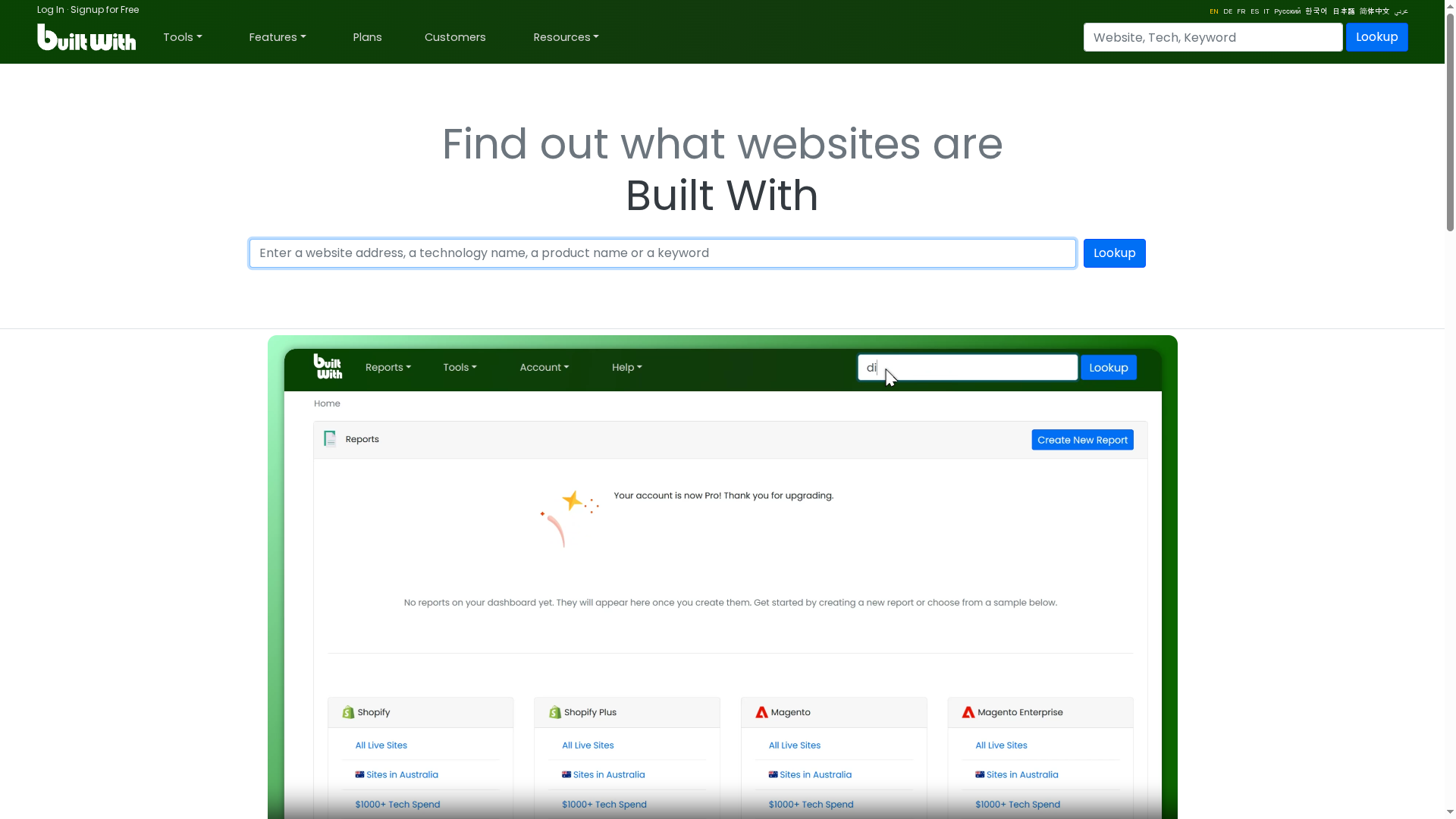
BuiltWith is a technology lookup and web-technology intelligence platform that maps which tools power millions of sites. Its strength is scale: a database covering 109,771+ internet technologies and tracking usage across more than 673 million websites. If you need high-fidelity signals for lead lists, market share analysis, or sales prospecting, BuiltWith delivers data depth; the trade-off is a steeper learning curve and a tendency to overwhelm casual users.
Core Features
BuiltWith provides site-level technology lookup, the ability to create lead lists filtered by specific web technologies, and market analysis with market share metrics. It supports sales intelligence and prospect profiling and includes trend analysis that breaks technology adoption down over time, by country, industry, and e-commerce platform. The platform also supports integrations like APIs, CRM connectors, and browser extensions to fold data into workflows.
Pros
- Extensive technology coverage: BuiltWith maintains one of the largest publicly referenced datasets, which improves accuracy when you’re researching niche stacks or long-tail tech.
- Built for lead generation: You can build targeted prospect lists based on specific technologies, which shortens outreach research and increases relevance for campaigns.
- Actionable market analysis: The platform exposes market share trends and regional adoption patterns, helping you prioritize verticals or geographies with growth potential.
- Sales intelligence features: Prospect profiling and exportable lists let sales teams move from discovery to outreach without manual enrichment.
- Workflow-friendly integrations: API access, CRM integrations, and browser extensions make it easier to inject BuiltWith data into existing sales and research pipelines.
Cons
- Steep interface complexity for new users: The depth of features and data surfaces can feel cluttered until you learn the workflows.
- Key capabilities behind paid plans: Some of the richer datasets and automation features require higher-tier or custom plans, which adds procurement friction.
- Data volume can be overwhelming: The sheer amount of telemetry and reports can bury the signal you need unless you use filters and saved queries effectively.
Who It’s For
BuiltWith is best suited for businesses and teams focused on sales, marketing, market research, and competitive intelligence that rely on technology signals to qualify leads, size markets, or monitor competitors. If you run outreach campaigns, perform technical market segmentation, or need programmatic access to site-technology data, BuiltWith will be directly useful.
Unique Value Proposition
BuiltWith’s unique value lies in its scale and focus: it’s a technology-first dataset designed to turn web-technology detection into actionable business intelligence. Rather than being a single-purpose detector, it pairs discovery with lead list generation, trend analytics, and integrations that let teams operationalize insights quickly.
Real World Use Case
A sales team identifies prospects running a particular e-commerce platform, exports a filtered list from BuiltWith, enriches entries in their CRM via the platform’s API, and launches a targeted email campaign highlighting integration-specific benefits—reducing time-to-first-contact and increasing relevance of outreach.
Pricing
Quote-based — pricing details are available upon request, with customized plans based on usage and features.
Website: https://builtwith.com
isitwp
At a Glance
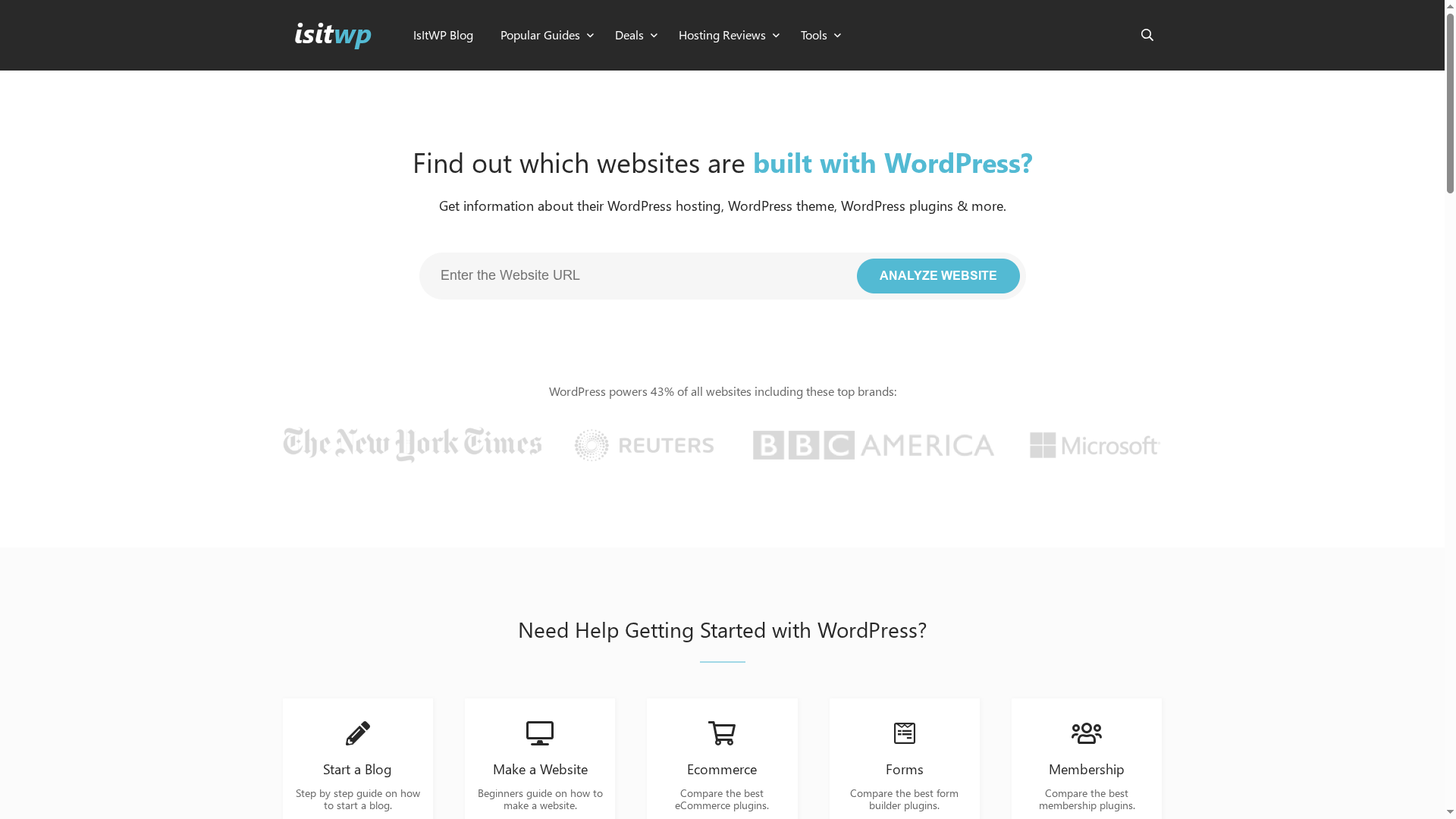
isitwp is a straightforward detector that tells you whether a site uses WordPress and then points you to hosting, theme, and plugin information alongside practical guides. Backed by WPBeginner, it combines detection with education—making it useful for quick audits and for users who need next-step recommendations. It’s free and easy to use, but expect recommendations to reflect WPBeginner’s editorial stance and affiliate partnerships.
Core Features
isitwp focuses on three core functions: identifying whether a site runs on WordPress, surfacing details about hosting, themes, and plugins, and delivering actionable learning resources. The site also publishes comparisons across a wide range of plugin categories—eCommerce, forms, security, caching, SEO, and more—and provides downloadable assets like an ultimate WordPress launch checklist. In short: detection plus curated guidance for building and running WordPress sites.
Pros
- Comprehensive detection and analysis: isitwp reliably identifies WordPress usage and aggregates related technical details so you can verify a site’s platform quickly.
- Editorial recommendations and comparisons: The site offers side-by-side comparisons and recommendations across many plugin categories, helping you narrow choices without starting from scratch.
- Practical guides for all skill levels: From beginners to experienced users, the step-by-step guides and downloadable checklist simplify launching and maintaining WordPress sites.
- Credible backing from WPBeginner: Managed by a recognized WordPress resource, the site carries editorial weight and community trust that many independent detectors lack.
- Free to use: There’s no paywall for basic detection and the majority of resources, making it accessible for hobbyists and small businesses.
Cons
- Limited transparency about detection technology: The site does not detail how detection works, which makes it hard to assess accuracy limits or edge cases.
- Recommendation bias toward WPBeginner favorites: The focus on WPBeginner-recommended plugins and services can skew results toward a preferred set of tools rather than a neutral marketplace overview.
- Affiliate-driven content may affect impartiality: Much of the content has promotional or affiliate elements, so you should validate recommendations independently before committing.
Who It’s For
isitwp is ideal for bloggers, small business owners, web developers, and WordPress enthusiasts who need a quick way to confirm platform usage and get practical next steps. If you’re auditing competitors, scouting plugin options, or launching a site and want a concise checklist and curated reading list, this tool gets you moving fast.
Unique Value Proposition
isitwp pairs fast platform detection with WPBeginner’s editorial resources—so you not only learn whether a site uses WordPress, you also get curated guidance for hosting, plugins, and launch tasks. That combination of detection plus educational follow-up is its main differentiator.
Real World Use Case
A marketer checks a competitor’s site on isitwp, confirms it runs on WordPress, notes the SEO and security plugins in use, then downloads the launch checklist to prepare her agency’s new client onboarding.
Pricing
Starting at Free
Website: https://isitwp.com
Satori Studio
At a Glance
Satori Studio is a free webmaster academy that packages practical, brand-backed guides for building, optimizing, and promoting websites. Its content ranges from domain selection and hosting fundamentals to WordPress basics, theme selection, and SEO research — all updated regularly and produced with industry partners. Bottom line: if you need structured, no-cost learning to get a website off the ground or to improve an existing site, Satori Studio delivers dependable, well-sourced guidance without the sales pitch.
Core Features
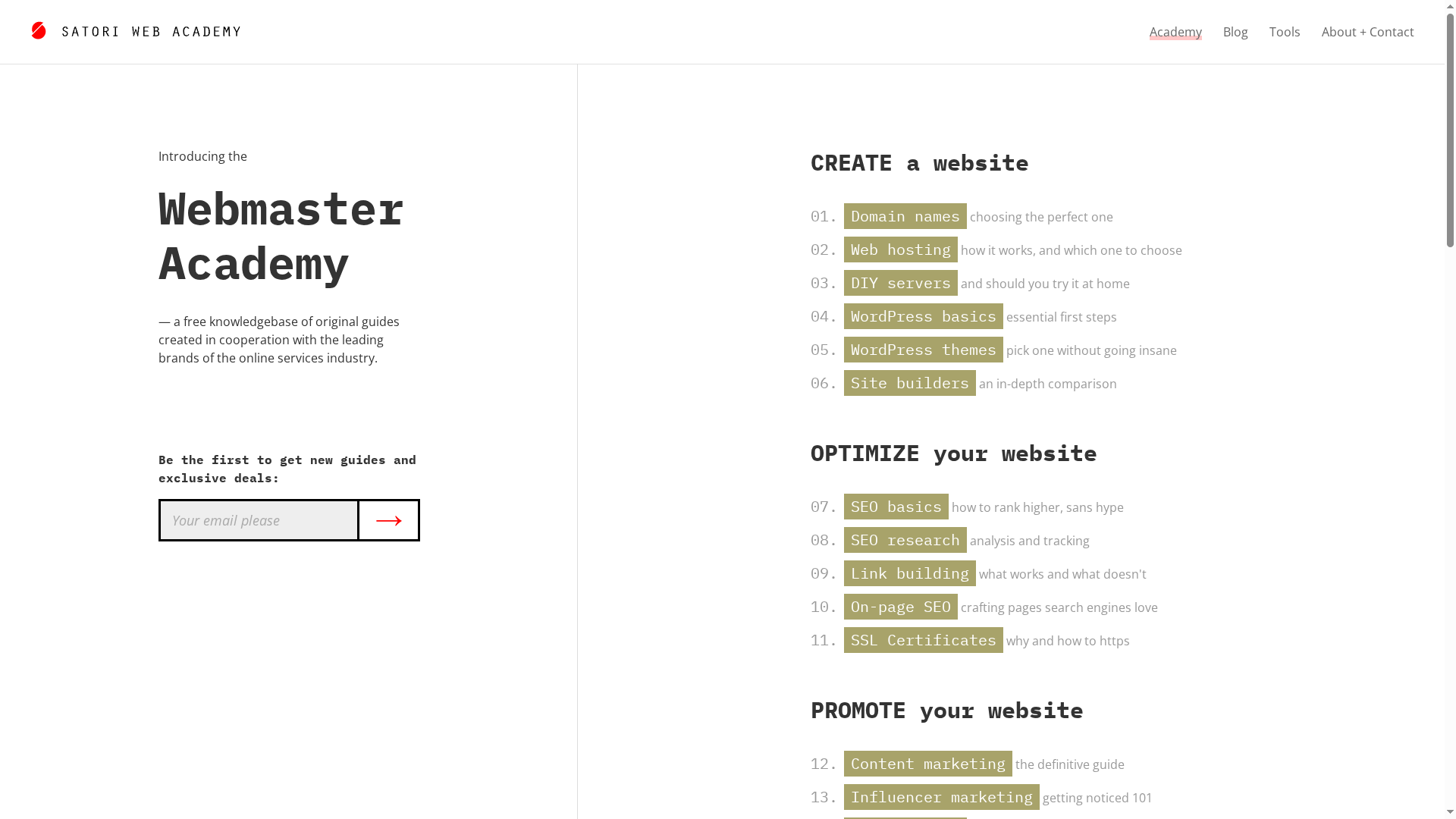
Satori Studio provides a knowledgebase of free guides created in cooperation with established online service brands, covering website creation, SEO, content marketing, advertising, and related topics. The site maintains an up-to-date blog with industry insights, reviews, and case studies, and it offers exclusive deals and early access to new guides through partnerships with hosting providers, SEO tool vendors, and marketplaces. The included CSV-style index highlights practical how-tos: choosing domain names, comparing site builders, DIY server considerations, WordPress setup, themes, and link-building tactics.
Pros
- Comprehensive and practical coverage: The guides span the entire launch-and-optimize lifecycle, so you can move from domain selection to SEO implementation without jumping between disparate resources.
- Brand-backed expertise: Partnerships with reputable providers lend authority to the content, increasing trustworthiness for readers evaluating hosting or SEO tools.
- Regularly refreshed insights: An active blog and case studies keep the advice current with industry trends and product changes.
- Free, accessible learning: All guides and tutorials are available at no cost, making the resource low-risk for students and small teams.
- Actionable case studies: Collaborative case studies show how concepts apply in real scenarios, which helps bridge theory and practice.
Cons
- Geared toward beginners and intermediates: The site may not satisfy advanced developers seeking deep, niche technical detail or architecture-level guidance.
- Few interactive tools: Satori Studio focuses on written and editorial content and lacks built-in interactive diagnostics, calculators, or hands-on labs.
- Not a site-building platform: It’s educational rather than a toolset, so you’ll still need external platforms to implement recommendations.
Who It’s For
Satori Studio is ideal for aspiring webmasters, small business owners, digital marketers, and students who need structured, reliable guidance on launching or improving a website. It’s particularly useful for people who prefer self-paced learning backed by vendor collaborations and who want to avoid paywalled courses while still relying on reputable sources.
Unique Value Proposition
Satori Studio’s edge is its combination of free, end-to-end guides and direct collaboration with online service brands. That mix gives you practical how-to content plus vendor-informed perspectives and exclusive deals — a useful shortcut when you’re evaluating hosting, themes, or SEO tools.
Real World Use Case
A small business owner follows Satori Studio’s step-by-step sequence: selecting a domain, comparing hosting options, setting up WordPress, choosing a theme, and executing basic SEO research. The owner applies a case study checklist to increase organic traffic and measure results within three months.
Pricing
Free access to all guides and content.
Website: https://satoristudio.net
OctoLooks Automatic WordPress Scraper and Content Crawler Plugin
At a Glance
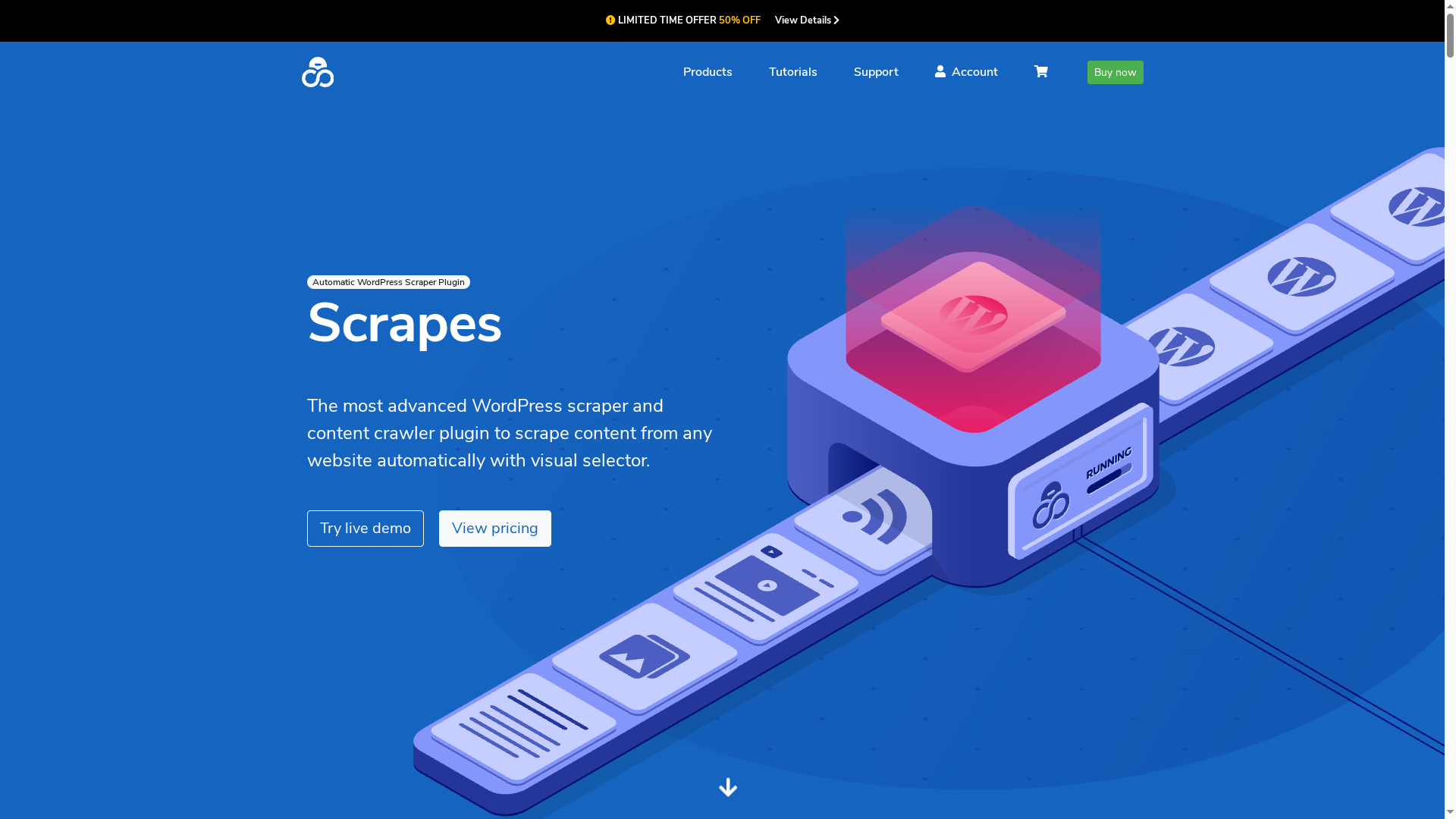
OctoLooks is an automatic WordPress scraper and content crawler plugin designed to extract and post content from virtually any site using visual selectors and multiple scraping modes. It’s especially strong for automated news aggregation, affiliate product imports, and multilingual content workflows thanks to built-in translation and spinner capabilities. Expect a steep-but-manageable learning curve: power comes with configuration. Yes — it can save you hours.
Core Features
OctoLooks offers visual selector-based scraping, plus single, serial, and feed scraping modes that let you set up recurring harvests. It supports all WordPress fields including custom post types and taxonomies, and adds WooCommerce integration for importing products. Advanced options include custom XPath for tricky selectors, template-driven content customization with find & replace, cookie support for login-required sites, language translation via Bing/Google/DeepL/Yandex, content spinning, and background multitasking for large-scale operations. The plugin aims to run on minimal hosting while offering lifetime updates and support.
Pros
- User-friendly visual selectors make setup faster: The drag-and-drop interface lowers the barrier to creating extraction rules and mapping content to WordPress fields.
- Flexible scraping modes fit many workflows: Single, serial, and RSS-like feed scraping give you control over one-off imports or ongoing aggregations.
- Robust customization for content output: Templates, find & replace, and custom XPath let you shape extracted content precisely before it hits your site.
- Built-in translation and content spinning streamline localization: You can translate and vary content automatically, which is handy for multilingual sites and SEO testing.
- Scales to many concurrent tasks: Background operation and multitasking support large scraping jobs without manual intervention.
Cons
- Requires basic technical knowledge of WordPress and site structure to use effectively: Non-technical users will need time to learn mapping and template concepts.
- Limited handling of dynamic JavaScript/AJAX-loaded content: Sites that render content client-side may not be fully captured by OctoLooks’ scraping engine.
- Some complex meta fields still need manual editing post-import: Not every custom field automates cleanly, so expect occasional hands-on fixes.
- WooCommerce product variation support is partial: Importing complex product variations may require additional effort or manual adjustments.
- Performance depends on server resources: Large-scale scraping can strain low-tier hosts, so results vary by environment.
Who It’s For
OctoLooks targets WordPress site owners, developers, and digital marketers who need automated content aggregation, SEO professionals building multilingual or syndicated sites, and e-commerce entrepreneurs importing product data. If you manage a news feed, affiliate store, or content curation pipeline and can invest time in setup, this plugin is built for you.
Unique Value Proposition
OctoLooks combines visual selector ease with enterprise-style customization: it not only scrapes content across diverse sources but also translates, spins, and formats that content into WordPress-ready posts. That combination of extraction, localization, and templating in one plugin is its primary differentiator.
Real World Use Case
A news site runs OctoLooks in serial scraping mode to pull headlines and body content from multiple sources, auto-translates articles to a target language, applies a custom post template, and schedules posts—reducing editorial overhead and expanding content variety without manual copying.
Pricing
Starting at $25 per license, with a limited-time 50% off offer and additional discounts for bulk purchases.
Website: https://octolooks.com
WordPress Analysis Tools Comparison
This table compares several tools that offer insights into WordPress themes, plugins, and technology stacks. It includes features, pros, cons, and pricing to help users determine the best fit for their needs.
| Tool Name | Key Features & Pros | Cons | Pricing |
|---|---|---|---|
| WPOptic | Fast, accurate plugin detection; large plugin database; lead generation capabilities | Requires subscription; complex setup possible for beginners | €125 to €2397 per plan |
| WordPress Theme Detector | Free; simple to use; provides market statistics | Relies on site visibility; can’t detect custom/obfuscated plugins | Free |
| What WordPress Theme Is That? | Free; identifies parent/child themes; easy to use | Limited to WordPress; does not analyze customizations | Free |
| scan wp | Free; detects both WordPress and Shopify; provides theme info and hosting details | Some detections may miss custom components | Free |
| BuiltWith | Extensive database; powerful for lead generation and market analysis | Interface complexity; key features behind a paywall | Quote-based pricing |
| isitwp | Free; provides practical guides alongside detection | Limited detection transparency; affiliate-driven recommendations | Starting at Free |
| Satori Studio | Comprehensive free guides; brand-backed expertise | Geared towards beginners; lacks interactive tools | Free to use |
| OctoLooks Automatic WordPress Scraper | Visual selectors; multiple scraping modes; built-in translation and content spinning | Requires technical knowledge; handling limitations for dynamic content | Starting at $25 per license |
Unlock Deep WordPress Plugin Insights with WPoptic
If you are looking for fast and accurate plugin detection to power your audits or marketing outreach, you understand the challenge of sifting through incomplete or slow data. The Best 8 WordPress Plugin Detectors article highlights the need for reliable plugin and theme identification tools to create targeted lead lists and conduct competitor analysis. WPoptic answers this call with its specialized platform designed specifically for WordPress ecosystems, giving you detailed technical data and real-time insights through its Chrome extension and browser tools.
Take control of your WordPress research and lead generation now by exploring WPoptic’s lead list creation tools. With continuously updated plugin databases, fast detection, and exportable data, you can move from discovery to outreach without delay. Don’t fall behind with generic scanners when you can get clean, actionable WordPress intelligence available at https://dev.wpoptic.com/lead-list today.
Frequently Asked Questions
How do WordPress plugin detectors work?
WordPress plugin detectors analyze a website’s source code to identify the themes and plugins in use. To use one, simply input the URL of the website you want to analyze and review the detected plugins and themes.
What features should I consider when choosing a WordPress plugin detector?
Look for features such as detection speed, breadth of plugin database, ease of use, and the ability to export data. Start by comparing various tools based on how well they meet these criteria to ensure your selection aligns with your needs.
Can I use these detectors for competitive analysis?
Yes, many WordPress plugin detectors are designed specifically for competitive research. Use these tools to identify the technologies your competitors are using, which can inform your own marketing and development strategies.
Are there any limitations to using WordPress plugin detectors?
Limitations may include dependency on the site’s accessibility and possible failure to identify custom or heavily obfuscated plugins. Ensure to combine the insights from a detector with manual reviews to gain a comprehensive understanding of a site’s setup.
How can I generate leads using WordPress plugin detectors?
By identifying websites that use specific plugins or themes, you can create targeted outreach lists for your marketing campaigns. Focus on sites utilizing outdated or vulnerable plugins to present tailored offers that resonate with site owners.